
Name-Based Case Searches
For a public name search, use Smart Search in the North Carolina eCourts Portal. A party name is just one option there. You can also search by record number. Or use a citation number, attorney bar number, attorney name, business name, cross-reference number, or nickname. Set Wayne as the location. Category, status, and filing-date filters can narrow things further when the results blur together. Once a name matches, open it. Read the case details before assuming it is the right court record.
Partial names work too. Enter at least three characters of the last name plus an asterisk. Add at least one character of the first name plus an asterisk. Portal materials list party name and date of birth as advanced criteria. The catch is that public date-of-birth access is restricted or masked. So this is not a broad personal-data lookup. Inside the Case Summary, confirm the case number, court, type, and party role.
- Open Smart Search and choose a party-name criterion.
- Enter a full name or use the documented wildcard minimums for a partial name.
- Filter to Wayne and then use public category, status, or filing-date options as needed.
- Open the matching Case Summary and confirm the case identity before reading events.
- Use Search Hearings if the current question is where or when the matter is set.
| Field label | Type | Required | Documented use |
|---|---|---|---|
| Party name | Text | One search criterion | Supports name-based Smart Search; public date of birth is restricted or masked. |
| Wayne location | Filter | Optional | Narrows a statewide Portal search to Wayne County. |
| Case type and status | Filter | Optional | Refines a public match by case category or current status. |
| Filing-date range | Date filter | Optional | Limits results by the documented case filing-date field. |
Wayne County Case Search Starting Point
Wayne joined the eCourts Portal on April 28, 2025. The Portal is now the statewide access point for Wayne public case information. It runs on Tyler Technologies Enterprise Justice, known as Odyssey. Smart Search returns a near-real-time Case Summary or Register of Actions. There is no separate county search vendor. It is one state Portal with a Wayne location filter. The eCourts Track 8 announcement documents the Wayne rollout.
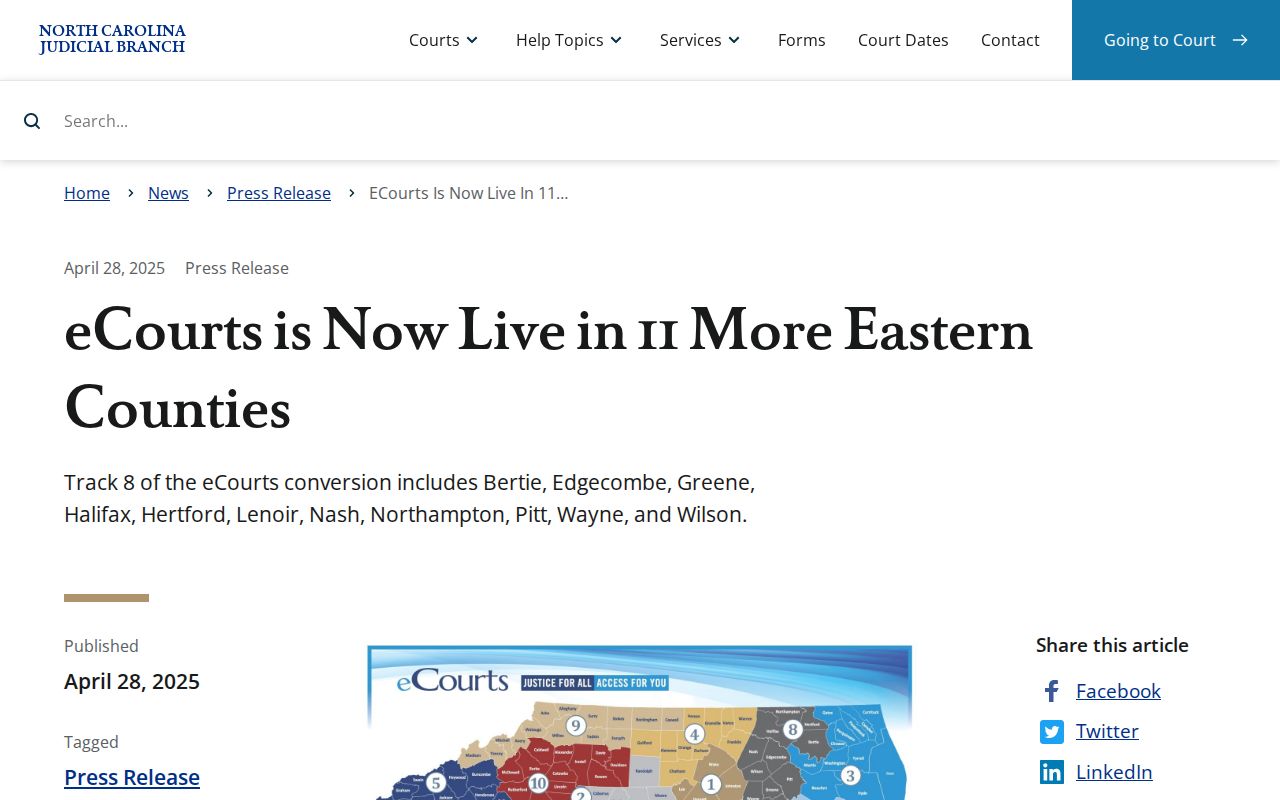
The 2025 rollout changed how you search. It did not change who keeps the court file. The Wayne Clerk still holds the official record.
Wayne County Case Search Keys
Pick the most specific key you have instead of leaning on a common name. A record number or case number is usually strongest. A citation number works well for traffic matters. Smart Search also handles attorney and bar-number searches, business names, case cross-references, and nicknames. Use the Portal's filters after choosing a criterion. Filters help, but they do not replace opening and confirming the returned case.
NC Judgment Search is a separate Portal tool for indexed judgments. It takes a party name or case number. Filters cover case type, status, location, and judgment date. One documented option includes inactive and satisfied judgments. Its results may identify a record. But Smart Search gives the fuller Case Summary and its public timeline.
Case Number Searches
A full Enterprise Justice record number cuts through most of the fog of a name search. The documented format has four parts. There is a two-digit year, case-type letters, a six-digit sequence number, and a three-digit county identifier. The official structural example is 21CR000003-910. Treat it as a format illustration only. It is not a Wayne case number. And it is not a legend for every case-type abbreviation.
Type the exact record number into Smart Search. Then confirm the court, case type, and parties in the result. The Portal publishes no Wayne-specific dictionary of event or case codes. When a code is unclear, read the actual Case Summary label. Ask the Wayne Clerk about record custody. Do not borrow a meaning from another county's system.
Wayne County Case Search Number Format
The Odyssey format tells you how an identifier is built, but do not overread it. The year and sequence define the record structure. The letters are case-type letters. The final three digits serve as a county identifier in the statewide model. The format is handy for checking whether a typed number looks complete. It is not an invitation to guess charges, parties, court results, or venue from code fragments alone.
Older Wayne records may look different before conversion. Migrated Portal events can carry a 12:00 AM timestamp. If the number or date produces no reliable match, retry the name with filters. Check spelling and county. Then turn to the Clerk or the courthouse Kiosk. An empty online result does not prove the court holds no record.
Case Search Results Explained
A public result only becomes useful once you open the Case Summary. Portal calls the detailed view the Case Summary and Register of Actions. It pulls together Case Information, Assignment Information, Party Information, Causes of Action for qualifying civil, family, probate, and mental-health matters, Case Events, Dispositions, Hearings, and Financial Information where applicable. Read those sections in the order you need them. The one-line result is not the full docket.
| Case number | The public Enterprise Justice identifier used to confirm the correct matter. |
|---|---|
| Case and assignment information | Basic identity, classification, and assigned-court information. |
| Parties and causes of action | Party roles and, for qualifying categories, public claim classification. |
| Events, hearings, and dispositions | Public timeline, current hearing data, and recorded status or result. |
| Documents and financial information | Public documents where available and financial data when applicable; restricted content remains unavailable. |
Wayne County Case Search Case Summary
The Case Summary timeline sits under Case Events. Entries may cover filings, orders, settings, or closing activity. Wayne publishes no county-specific event-code list, though, and no sample sequence from a real case. So read each full display label rather than guessing at an abbreviation. Match the dates against the hearing information. Only then trust a reading of the docket entry.
Timing helps too. The Portal states that summaries and document images usually appear within minutes after upload to Odyssey. Daily processing volume can slow things down, though. No fixed uptime window or pagination limit is published. If the site misbehaves, the official FAQ recommends common browsers. It prefers Edge or Chrome, and suggests clearing the cache, switching browsers, or trying private browsing.
Two Ways to Search: County and State
Wayne never built a separate county docket portal after its eCourts conversion. The state Portal serves as the public system. Its Wayne location filter turns a statewide search into a local one, so use that filter whenever the case belongs in Wayne County. Search more broadly only when the venue is unclear. Then confirm the court and county before treating any match as a Wayne matter.
| Wayne-focused Portal search | Broader statewide Portal search |
|---|---|
| Apply the Wayne location filter before reviewing public case matches. | Leave the search broad only when the court venue is not yet confirmed. |
| Best for a known Wayne case, citation, or local court question. | Useful for finding the likely venue before narrowing to the correct county. |
| Open the Case Summary, Search Hearings, and local calendar links for Wayne context. | Do not assume a statewide name match is a Wayne case without checking its court information. |
Wayne County Case Search Portal Access
No account is needed. Anonymous public access works without registration, and signing up is optional. Registration mainly lets you save a public case in My Cases. It does not unlock restricted record types. Elevated access goes only to people with verified statutory authority. It is not a loophole around material withheld from public view.
Remember what the Portal is not. It is not the certified official record of a Wayne County court docket. It displays public case information and documents. Certified copies come from the Wayne County Clerk of Superior Court. eCourts File & Serve is separate technology built for attorney filing. It is not a public Case Summary tool or a way around portal limits.
Wayne County Case Search Hearing Check
Sometimes the Case Summary will not tell you where a matter stands today. That is the moment for Search Hearings. The tool accepts a case number, a party or business name, an attorney name or bar number, a judicial officer, or a courtroom. Its documented output gives the current hearing location and time. Both the Case Summary Hearing component and Search Hearings track the current record more closely. They beat an older standalone calendar on that score.
For local session context, compare the result against the official Wayne civil and criminal calendars and the local schedules. Settings can change. When one might have, confirm through the Clerk or the relevant court contact. The Wayne County Court Schedule lays out the local channel sequence for that confirmation.
Which Cases Stay Restricted
Not every court matter is searchable by the public. Portal restrictions include juvenile records, unreturned criminal warrants, and protective-order records. G.S. 7B-3000 separately bars juvenile files from ordinary public inspection. Sealed or expunged records drop out of Portal entirely. There is no universal "sealed" marker to expect on them.
When a Wayne case does not appear, start with the basics. Check the typed name, the case-number format, the location, the category, and migration timing. If the matter is juvenile, sealed, expunged, or otherwise protected, registration will not create access. The Clerk can explain record custody, but legal eligibility questions call for qualified legal advice.
Wayne County Case Search Kiosk Fallback
When the Portal search comes up short, go to the courthouse Kiosk or the Clerk counter. The same goes for a public file needing local review. The Kiosk carries most Portal functions. Downloads and payments, though, work only on the Portal itself. The Wayne County Clerk of Superior Court serves as the unified local holder of court files. Those cover the county's superior, district, estate, special-proceedings, and magistrate-related records. The office sits at 224 E. Walnut Street, Room 230, Goldsboro, NC 27530.
Call the main number at (919) 722-6100 with questions. Superior judges can be reached at (919) 722-6281. District judges are at (919) 722-6250, and magistrate services at (919) 722-6270. A public result may help you locate a file. An official copy or certification still requires a formal request to the record custodian.
The Wayne contact directory lists the local Clerk, court, magistrate, and division channels. Use it to route a question after a Portal search without turning a public result into a certified record.
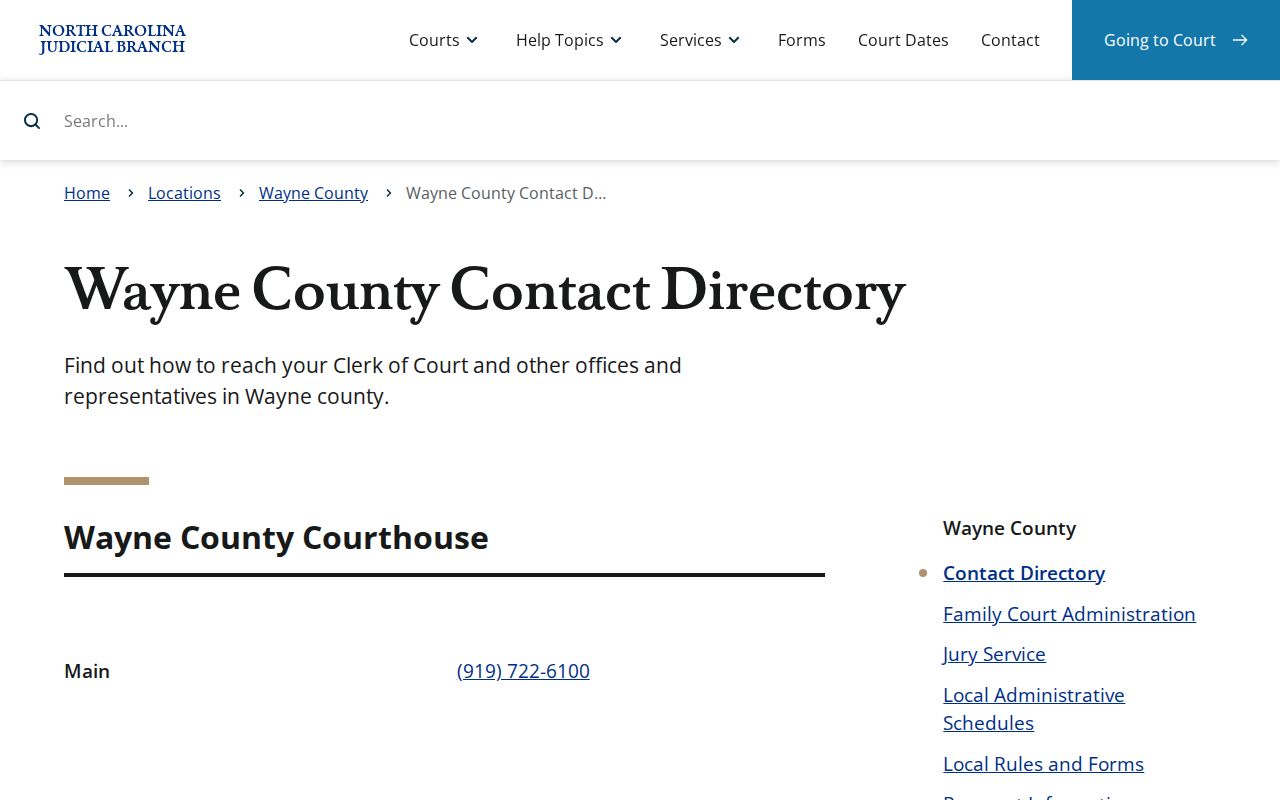
Use the directory to route a local question. It does not convert a public search result into a certified record.
Wayne County Case Search Migrated Events
Wayne's 2025 eCourts conversion moved prior court information into Odyssey. One quirk shows up in older events. Portal may display 12:00 AM as a conversion timestamp on them. Treat that as a display artifact of migration, not a real hearing time. For what actually happened in an older matter, rely on the date. The event label helps too. The current hearing search and the Clerk record together are the better evidence. The eCourts File & Serve system is a separate layer for attorneys. It arrived with the conversion and handles filing.
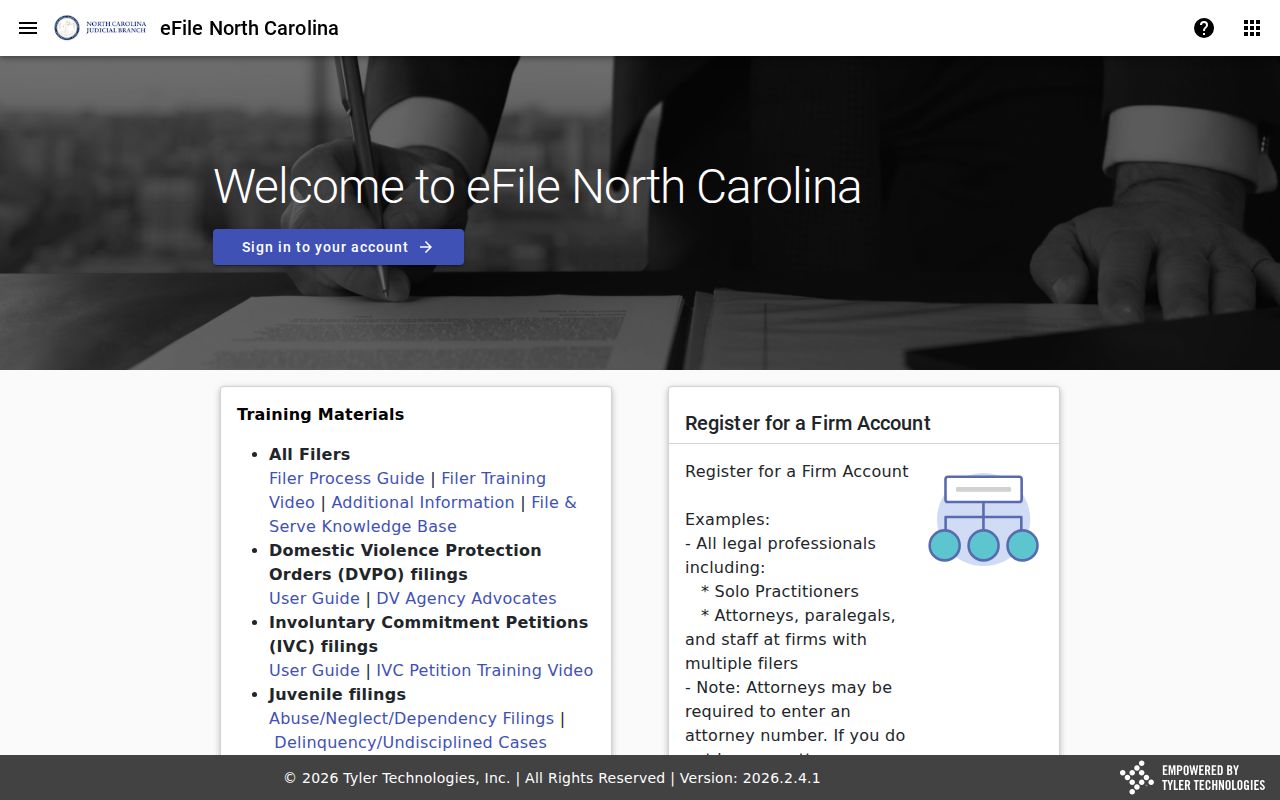
File & Serve handles court filing for attorneys. Smart Search remains the public Case Summary route for a Wayne docket search.