
How the Wayne County Court Calendar Works
Wayne County gives you four official ways to find a court date. The Hearing section sits inside a Portal Case Summary. Another is Portal Search Hearings. There are separate civil and criminal calendars. You can also get confirmation from the Wayne Clerk or court contacts. The Wayne Local Administrative Schedules page links the Portal. It also lists a District Court Schedule and both calendar types. Use the same case information in each place. Just remember the channels do different jobs.
Search Hearings is the tool for current time and location. The civil and criminal calendar endpoints add local calendar context. The Case Summary shows the broader timeline of the record. A posted calendar never overrides a later Case Summary entry. The same is true for a Clerk confirmation or a court order. The Clerk keeps the official record. A public Portal result is not a certified court record.
Wayne's court structure also shapes how the schedule splits by court work. Superior Court is the main general-jurisdiction trial division. Wayne County Superior Court hears felony criminal matters and larger civil actions. District Court handles misdemeanors and infractions, family and juvenile matters, and civil claims within its jurisdiction. Match the calendar channel to the court and category. Do that before treating a time or place as relevant.
Wayne County Court Calendar Channels
Need a Wayne County court docket sorted by hearing type? The state's calendar tool splits the schedules two ways. Civil matters go on the Wayne civil calendar. Criminal matters go on the Wayne criminal calendar. Each one lists court dates for its own category. Pick the calendar that matches your case type, then match the date to your case number.
Not sure which calendar fits? The local schedules page gathers every official Wayne calendar link in one spot. It even includes district schedules the case-level tools do not cover.
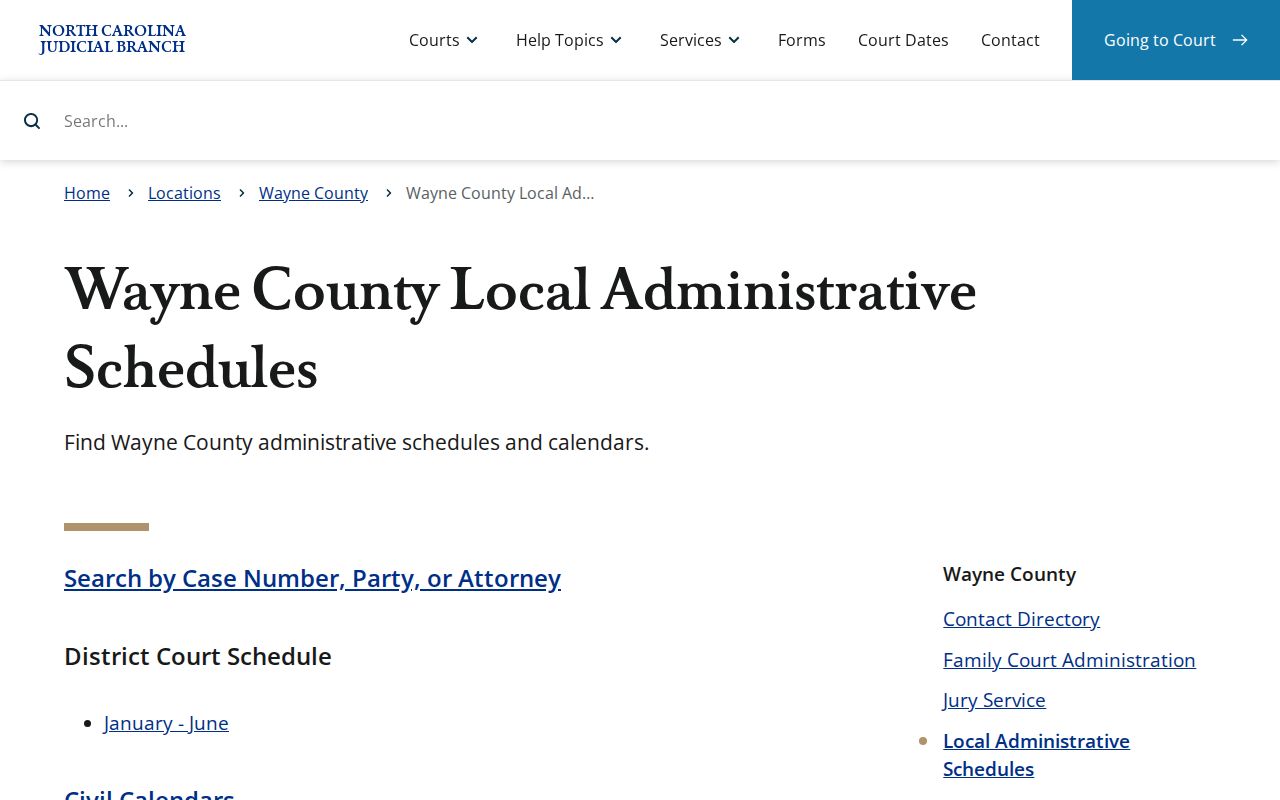
The schedule hub is a routing page rather than a hearing finder; for current case-specific hearing searches, the public Portal is the tool that delivers results.
Wayne County Court Date Lookups
Start with the file number. Pull it from a citation, a notice, or the latest Case Summary. Use it before you touch anything else. Then open the North Carolina eCourts Portal. Bring up the Case Summary and check its Hearing area. From there, Search Hearings gives you the current time and courtroom for the Wayne County court date. A name-only search can mislead you. It fails badly when the matter was just reset or continued. The file number keeps you on the right case every time.
That portal is not the only door. Wayne County also posts a civil and criminal calendar on its local schedules page. The Clerk counter and courthouse Kiosk both work for a docket lookup in person. Prefer a phone? Call the clerk at (919) 722-6100. Superior judges sit at (919) 722-6281, District judges at (919) 722-6250, and Family Court Administration at (919) 722-6260 for domestic or juvenile questions.
- Read the citation, notice, or most recent Case Summary entry and preserve the exact case number.
- Run Smart Search, open the Case Summary, and check its Hearing component.
- Run Search Hearings by case number for current location and time.
- Compare the result with the relevant Wayne civil or criminal calendar and local schedule.
- When a change is possible, confirm through the Clerk, the relevant judicial phone line, the counter, or the courthouse Kiosk.
A blank search result is not proof that no court date exists. Check the spelling again. Check the case-number format and the Wayne location too. An older matter may carry a conversion time from migration. A legal restriction can also keep a public result off the screen. Still nothing from the docket search? The clerk counter and Kiosk are the local fallback for a case-information question. For a current scheduling question, the right court phone line can route you.
Wayne County Search Hearings Inputs
Search Hearings can pull a current Wayne County calendar by case number, party name, business name, attorney name, attorney bar number, judicial officer, or courtroom. Those are the documented inputs. You will rarely need them all. The case number is usually the cleanest route, while a judicial-officer or courtroom search helps once you already know the calendar session you want.
Pair the two tools when a full picture matters. Smart Search finds the case and explains it; Search Hearings then supplies the current location and time. The Portal also offers a separate NC Judgment Search, but that tool indexes judgments. It is no substitute for either hearing lookup.
Court Settings: What Each Field Means
Search Hearings will show you a hearing's current date, time, and location. It also shows the identifiers that got you there. Wayne County's rendered civil and criminal calendar does not follow one fixed field list. Treat each entry on its own terms. A setting is a scheduling entry, nothing more. Confirm the exact court and case number before you rely on it. And skip any generic calendar label the actual listing never displays.
| Case number | The strongest key for matching a hearing to the correct Case Summary and Search Hearings result. |
|---|---|
| Date and time | Current scheduling information returned by Search Hearings, which should be confirmed after a recent change. |
| Location or courtroom | Current hearing location information; courtroom is also an available Search Hearings criterion. |
| Judicial officer | A supported hearing-search criterion, not a guarantee of a historical judge field for every case. |
| Case Summary hearing | The record’s hearing component, read with the Case Events timeline and current search result. |
Match several fields at once. Do that before you trust a result. A hearing location alone tells you little without the right case number. In the same way, a Case Event from an earlier date may not reflect the current appearance time. Treat it as history rather than today's schedule. The civil or criminal calendar can help you place the session. Even so, Portal Search Hearings is the documented tool. Use it when you need the current time and place for a setting. What if a calendar entry and a later docket entry disagree? Go with the later entry. Or ask the court or Clerk to confirm before you rely on it.
Wayne County Court Calendar Forms
Wayne's Local Rules and Forms page lists two local labels. They are Calendar Request and Request for Continuance. The same page carries local civil practice and case-management materials. It also posts Bail and Pretrial Release rules effective February 20, 2026. Those forms exist for a reason. A moved setting must follow court procedure, not an informal promise of immediate rescheduling.
Use the current official form and the applicable local rule for any request. Filing one does not itself set a new date. Confirm the outcome in the court record or through the proper Wayne court channel.
The official Wayne forms page is where the court publishes each verified form name. It also lists the matching local rule.
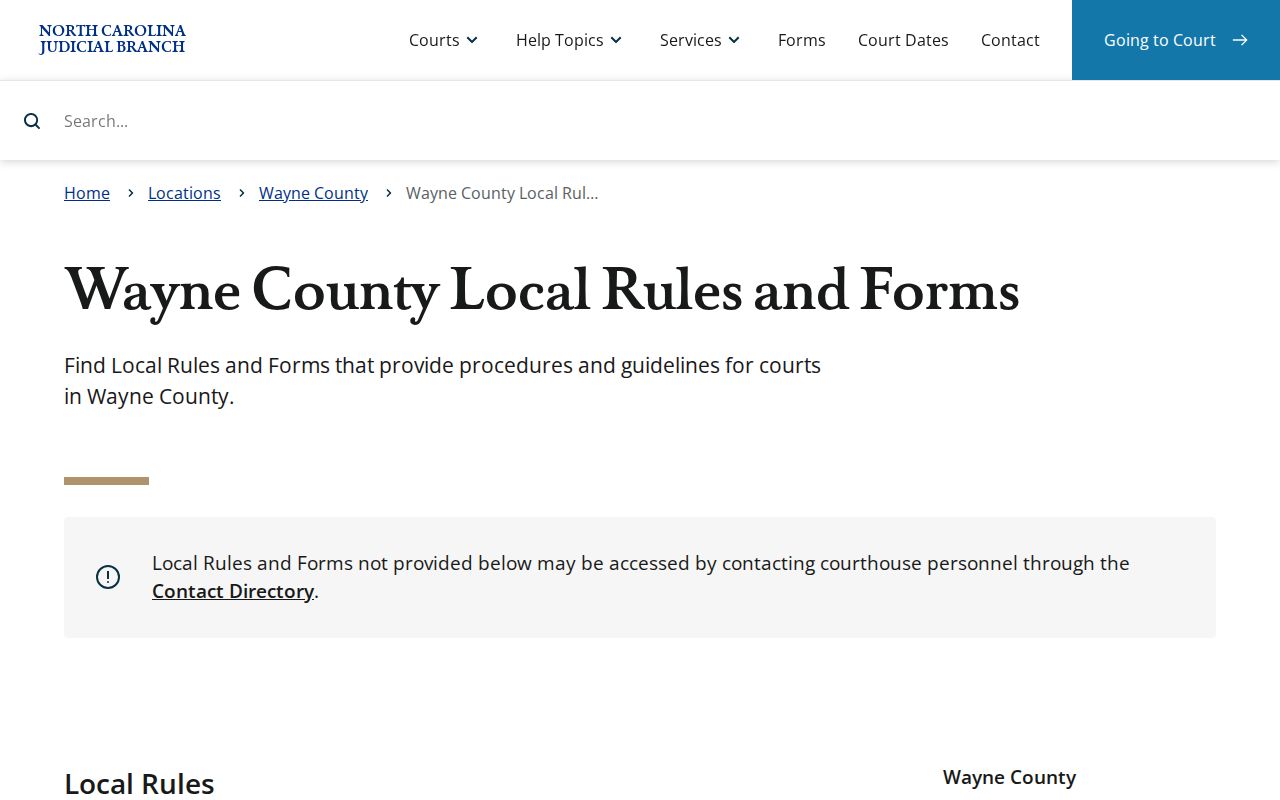
Forms and their effective dates can change, so glance at that page again before you rely on any local material.
When a Court Date Moves
A Wayne County court date is not fixed in stone. A continuance can push it. A later filing can reset it, or the court itself can act. Compare the newest Case Summary event against Search Hearings and the local calendar before you count on anything. When they disagree, the Clerk's most recent confirmed information and the signed court order control. A calendar is only a schedule of settings. Printing a date there does not mean a later case event failed to move it.
If you need to be sure, work the escalation path in order. Pull the case number. Try the Portal tools, then call the Clerk or the right court channel. The Calendar Request and Request for Continuance forms prove nothing on their own. Those are procedural papers, not rulings. Only the actual record and a court confirmation tell you whether the requested change ever took effect.
Wayne County Court Contact Ladder
Online lookup does not answer everything. When a docket search comes up thin, Wayne County still has a physical channel that matters. The Clerk of Superior Court sits at 224 E. Walnut Street, Room 230, Goldsboro, NC 27530. Inside the courthouse, the Kiosk handles most Portal functions. The Clerk counter can route a file or record question to the right desk. Downloads and payments remain Portal-only, so think of the two channels as partners rather than substitutes.
Pick the phone by the job. For the court file and records path, call the Clerk at (919) 722-6100. Scheduling questions go to the Superior judges' line at (919) 722-6281 or the District judges' line at (919) 722-6250. That choice depends on the trial division the case sits in. The contact directory also splits the Clerk's Civil, Criminal, Domestic, Estates, Juvenile, and Special Proceedings channels, all under one unified office.
Statewide Portal, local practice. Wayne County Superior Court and Wayne County District Court share that single Clerk. Yet their case categories, contacts, and calendar context all differ. A reader who knows only that something is "court" business should start with the Case Summary. Pin down the case type and trial division first. That one step keeps a civil calendar search from being mistaken for a criminal setting, or a judicial phone line from being used to request a records certification.
Missed Settings and What Comes Next
Miss a setting in Wayne County? Keep the case number close and contact the Clerk promptly. Ask what the court record shows and where the matter goes next. Recheck Smart Search, Search Hearings, and the relevant calendar. But never treat an online entry by itself as clearing up a missed appearance. Only a court order or Clerk confirmation carries real authority over the case's current status.
Traffic setting caution: North Carolina guidance says a missed traffic setting can be marked “called and failed.” After the relevant statutory periods, eligible unresolved traffic matters can be reported to NCDMV; contact the Wayne Clerk about what occurred instead of assuming a later online payment clears a failure to appear.
Wayne County sets different consequences for missed settings depending on the case. Contact the clerk or your attorney promptly. If you have counsel, ask that attorney what your docket entry means for you.
Wayne County Court Schedule Migration Times
Wayne joined eCourts Track 8 on April 28, 2025. Older event history was then migrated into Odyssey. Sometimes the Portal shows a migrated event with a 12:00 AM timestamp. That value can simply be a conversion artifact from the old system, not a real hearing time. Treat it as record history. Never treat it as a direction to appear at midnight, and never let it stand in for a current Search Hearings result for the Wayne County court schedule. The Portal training resources from the courts cover the Case Summary and hearing tools that carry current docket information.
For a present court date, rely on the current Portal hearing result and confirmation from the Wayne County clerk. Read older timestamps as migrated history, nothing more.