
Wayne County Civil Docket Searches
Wayne's statewide route to public civil Case Summaries runs through the North Carolina eCourts Portal. Its Smart Search takes a party name, record number, attorney name, or bar number. It even accepts a business, cross-reference number, or nickname. Pick Wayne as the location first, then apply the filters that fit your matter. Choose Civil Actions, non-confidential Special Proceedings, or Estates. Each matched result opens into a Case Summary. The Portal also calls this the Register of Actions.
A precise case number beats a name search every time. If you have only a party, narrow the field. Pair it with Wayne location, case type, case status, or a filing-date range. The category choice carries weight here. Non-confidential special proceedings appear as their own searchable group. No amount of extra name detail will bypass a restriction. Once you land on the right record, stop and check. Verify the court, assignment, parties, and public case type before reading anything into the events.
- Open Smart Search and enter the strongest known case, party, business, attorney, or cross-reference key.
- Choose Wayne and the public civil category that fits the matter.
- Use status and filing-date filters to reduce matches without excluding a likely case.
- Open the Case Summary and review identity, assignment, parties, causes of action, events, hearings, and dispositions.
- Use the Clerk for a certified copy, an unavailable file, or a records question that the public Portal cannot answer.
Wayne County Civil Portal Filters
The Portal's advanced filters do real work. They turn a statewide name search into something far more targeted. Civil Actions, Special Proceedings, and Estates each sit in their own public category. For qualifying cases, the Case Summary may add a Causes of Action component. This covers civil, family, probate, and mental-health matters. That block names how the claim is classified. It differs from the chronological Case Events list. Checking it tells you whether the result actually fits the matter you were hunting for.
No account is needed. The public view works anonymously. Registering only lets you save a case in My Cases, and it grants no wider access. Attorneys file electronically through eCourts File & Serve in eCourts counties. That system stays separate from the public docket search. Wayne joined eCourts on April 28, 2025. Both systems now sit inside the local court technology structure.
Freshness has limits. Portal information generally appears within minutes of an upload to Odyssey, depending on daily volume. That speed does not make every document public. Nor does it mean every historical paper record has an online image. If the Portal misbehaves, the official guidance has fixes. It recommends Edge or Chrome, clearing the cache, private browsing, or switching browsers. Only then turn to the local Clerk and Kiosk path.
Civil Dockets: What They Show
A Wayne civil Case Summary is organized, not a wall of text. Case Information and Assignment Information fix the file and the court. Party Information lays out who plays which role. From there the record splits further. It covers claims, Case Events, Hearings, Dispositions, and Financial Information where applicable. Treat the search result as a lead. It is not a certified judgment, order, or complete clerk file.
| Case number | Enterprise Justice uses year, case-type letters, sequence, and county identifier, illustrated structurally by 21CR000003-910. |
|---|---|
| Parties and assignment | Public case identity, party roles, and assignment-related information for confirming the match. |
| Causes of action | A component available for qualifying civil, family, probate, and mental-health Case Summaries. |
| Events and hearings | Public activity in time order and current hearing information that can be checked through Search Hearings. |
| Disposition and financial data | Recorded status or outcome and court-related financial information where the Portal presents it. |
Wayne County Civil Jurisdiction Line
Wayne County splits its civil dockets across trial divisions. The dividing line sits at $25,000. Under G.S. 7A-243, a civil case at $25,000 or below generally belongs in District Court. Anything above that figure lands in Superior Court, unless a statutory exception says otherwise. Magistrate court adds a small claims lane inside District Court, usually capped at $10,000. Family law cases stay in District Court. Estates and special proceedings run through the clerk's divisions. For anyone tracking a Wayne County civil docket, the dollar amount tells you where the case number lives.
The civil jurisdiction statute spells out the full division line.
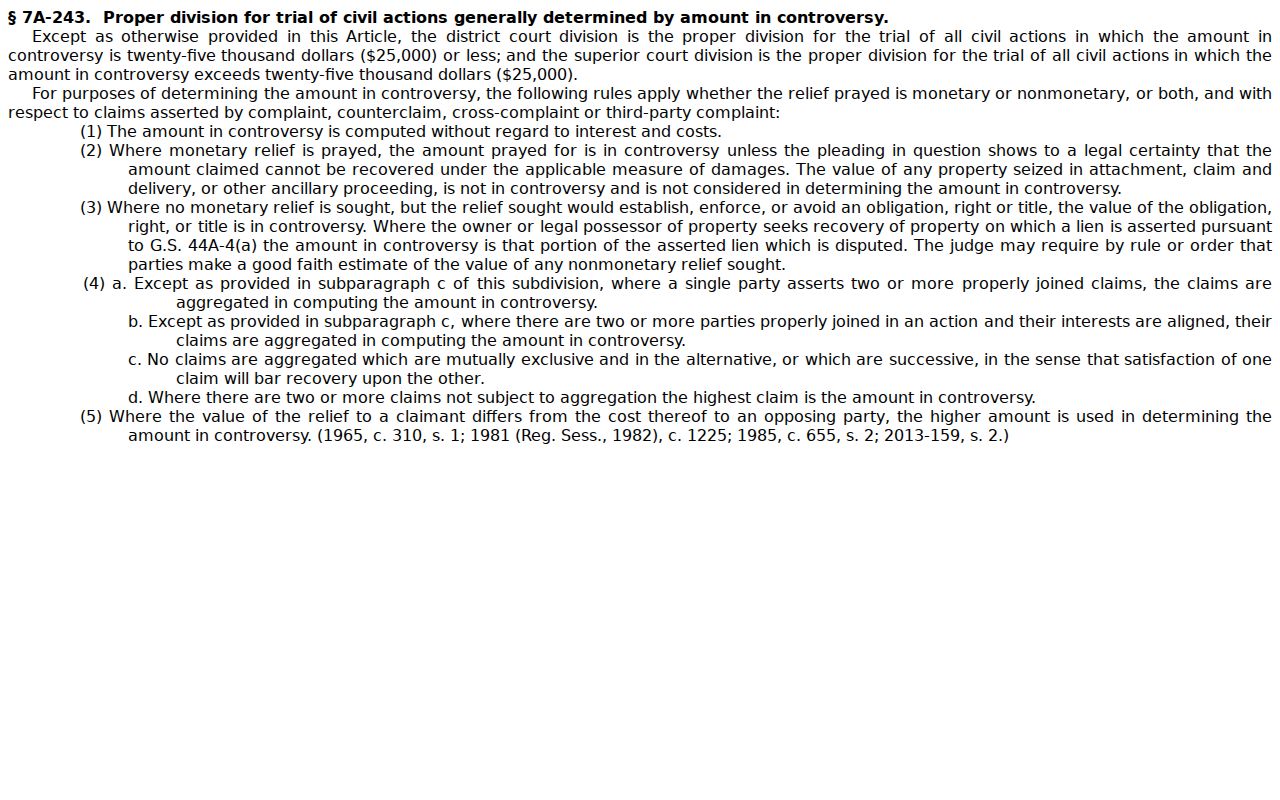
The dollar rule gives you a starting point. The particular court and classification come from the actual Case Summary and the Clerk's file.
What Cases Fill the Civil Docket
Wayne's court structure doubles as a routing map for civil work. Public civil matters can include several types. They cover civil actions in the proper trial division, small claims before a magistrate, estates, and non-confidential special proceedings. Qualifying family and mental-health matters may carry a Causes of Action block in Portal. Confidentiality rules still govern access, block or no block. So read the docket case by case. It is a record of one matter, not a broad label for every dispute in the county.
- District Court civil actions generally within the statutory amount line.
- Superior Court civil actions generally above that line, subject to exceptions.
- Magistrate small claims within the assigned small-claims lane.
- Clerk-maintained estates and non-confidential special proceedings.
- Qualifying public family or mental-health Case Summaries with a Causes of Action component.
Wayne County Civil Calendar Management
A Case Summary shows what has happened. A current court date needs the Hearing component or Search Hearings, plus the Wayne civil calendar. Wayne's Local Administrative Schedules page ties together the Portal, the District Court schedule, and both calendar types. The local Rules and Forms page adds more. It posts a Civil Case Management Plan, civil non-domestic practice rules for Wayne, Lenoir, and Greene, a Calendar Request, and a Request for Continuance.
Those forms prove settings and continuances follow local procedure. Do not assume unseen fields. No form promises a walk-in reschedule. When the calendar and a later case entry disagree, grab the current form version and rely on the most recent Clerk or court confirmation. The official Wayne civil calendar remains one channel among the local schedule sources.
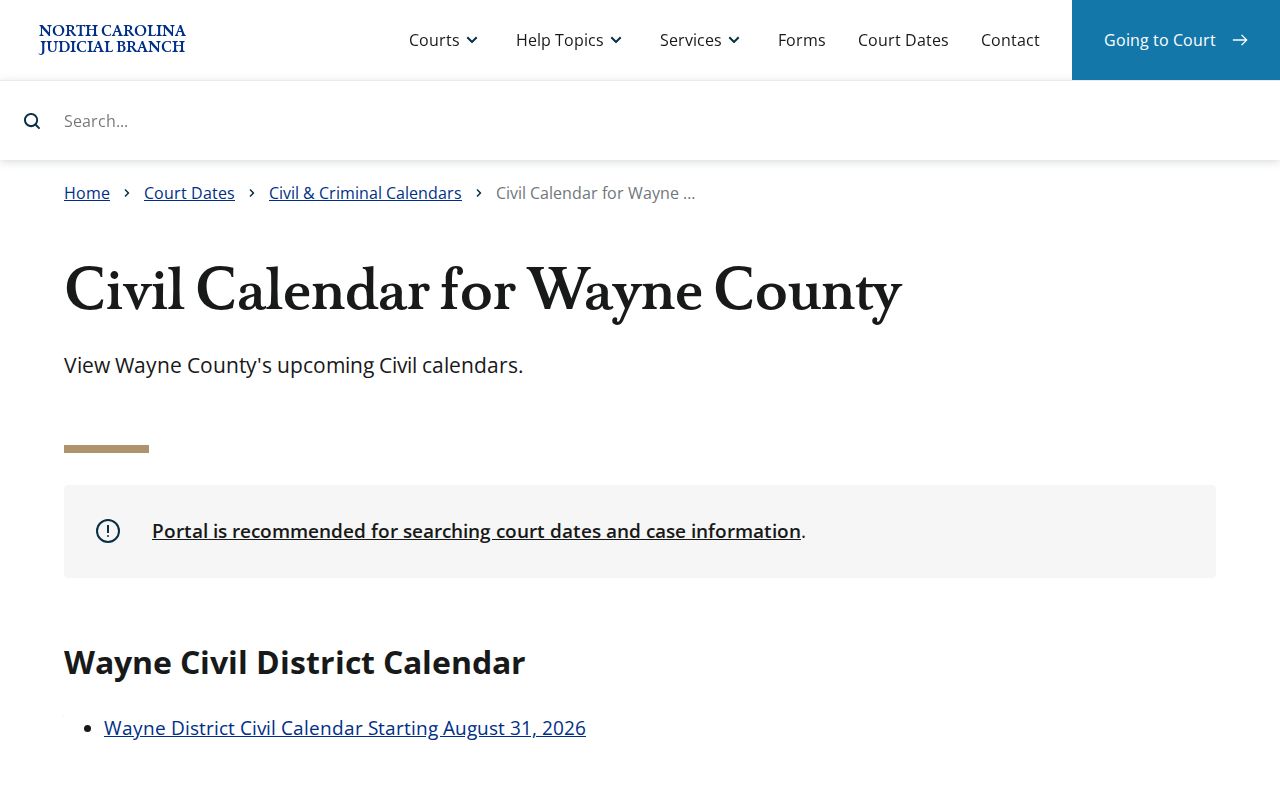
The calendar supplies session context. For an exact hearing location and time, Search Hearings is the Portal's direct tool.
Hearings on the Civil Docket
Search Hearings is the right tool for a Wayne civil setting. Pull it up with the case number. Or let the Portal match other details: a party or business name, an attorney's name or bar number, a judicial officer, or a courtroom. What you get back is a calendar. It shows where and when a hearing sits, nothing more. No column promises a setting type. So treat the local calendar as a time-and-place tool, not a full picture of the case.
Calendars can go stale fast. A listed hearing may have been continued after the calendar was posted. And an entry itself is never a court order. When a date really matters, confirm it. Ask the Clerk, the court that will hear the matter, or read the order itself. For the wider angle on court dates in Wayne County, the Wayne County Court Schedule lays out how the Portal and local calendars fit together.
Wayne County Civil Clerk Route
Civil court records in Wayne County live in one office. The Wayne County Clerk of Superior Court handles civil Superior and District Court files. Estates, special proceedings, and magistrate-related matters sit there too. The Portal may show no image. You may need a certified copy, or a public search may come up short. In those moments, go to the counter or use the courthouse Kiosk. The office sits at 224 E. Walnut Street, Room 230, Goldsboro, NC 27530. Its main line is (919) 722-6100.
The Kiosk mirrors most of the Portal. Downloads and payments are the exceptions; those stay Portal-only. Inside the Clerk's directory you will find separate contact channels for Civil, Domestic, Estates, Juvenile, and Special Proceedings. Ask for the right division whenever a civil court record seems unclear. For official copies, rely on the Clerk, not on what the Portal puts on screen.
G.S. 7A-109 sets the baseline. The Clerk's records, files, dockets, and indexes are open to inspection, subject to legal restrictions. State help material adds that paper files are viewed at the clerk's office in the county where the case sits. Staff may make copies for a fee. Sometimes a Portal image is missing. Other times a record needs eyes-on review, or certification is required. That counter visit earns its keep.
Who Can See Civil Dockets
Civil court records here are open by default. Under G.S. 7A-109, the clerk must let the public inspect dockets, files, and indexes during regular office hours unless some other law blocks access. Remote access works too. The Portal shows Case Summaries and public documents that qualify, though that result is not a certified record. Smart Search lists one named category for these matters: non-confidential special proceedings. Keep one caveat in mind. A public case can still hold material touched by sealing, redaction, expunction, or confidentiality rules.
Public-access baseline: G.S. 7A-109 governs the Clerk’s public-inspection baseline. G.S. 7B-3000 keeps juvenile files from ordinary inspection. Portal registration does not create access to confidential, sealed, expunged, or protected records.
An empty Portal result proves very little. A Wayne civil case can still exist behind a typo, a bad number format, the wrong location or category, or a record that has not migrated yet. Recheck all of that, then try the Clerk, before concluding the court docket is not there.
Wayne County Civil Judgment Search
NC Judgment Search answers one narrow question. It is a Portal function aimed at the judgment index. It is not a substitute for the full Wayne County civil docket. Type a party name or case number. Then filter by case type, status, location, or judgment date. Results list the case number, disposition status, the index date and time, the parties, and judgment comments. One useful toggle lets you include inactive and satisfied judgments. Use it when the index is what you chase.
Once an index result points to a Wayne case, move to Smart Search. There you get the fuller Case Summary. Need a current payoff amount, a certified judgment, or anything official? Call the Clerk. The Portal display does not certify anything. Statistics are a different animal entirely. A caseload report tells you about volume, not about one case's docket entries.
For county-filtered context, the official civil caseload report publishes statewide numbers you can narrow by county. It is a statistical snapshot, not a case lookup. Keep it out of your docket search habits.
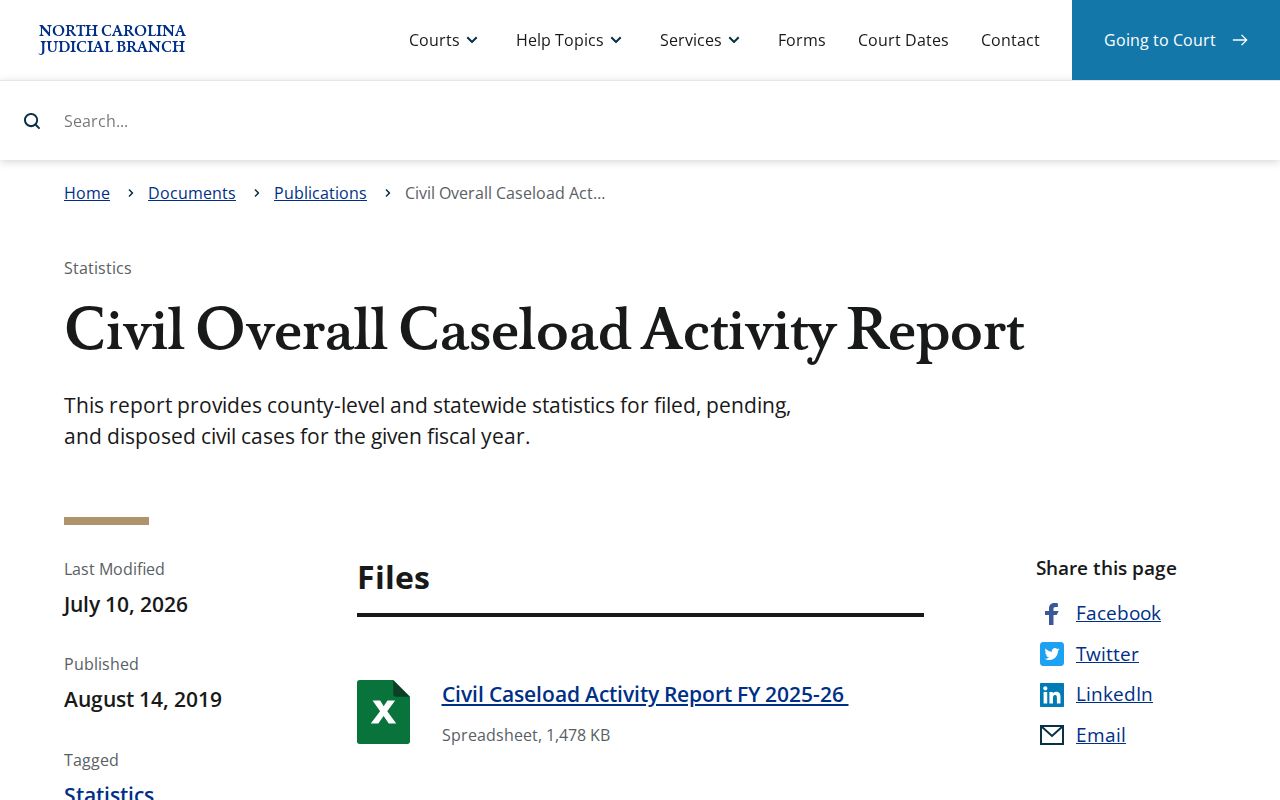
Keep the report year and category attached to any figure you cite. For an actual civil docket, the individual public Case Summary is still the way in.